


Filewave KIOSK
What is it and what does it do?
- Filewave is a muliti-platform device management software.
How do we use it on campus?
- Filewave is installed on all school owned desktops, laptops and mobile devices.
- It allows use to queitly install new software and update software without effecting the user.
- Acts as an inventory system so we can keep track of devices and what is installed.
- The Kiosk system, allows us to place approved software for users to install if needed. This way we do not need to install it for all users that may touch the device.
Since Filewave silently works in the background you will only be able to interact with the KIOSK system. This can be accessed on your taskbar to the far right by finding the Filewave icon. 
This icon could be red/Black/white.
If you click on that icon it will bring up the Filwave Kiosk window.
Software will be organized into categories that device has acces to.
Simply click through the categories available and find the software you are in need of.
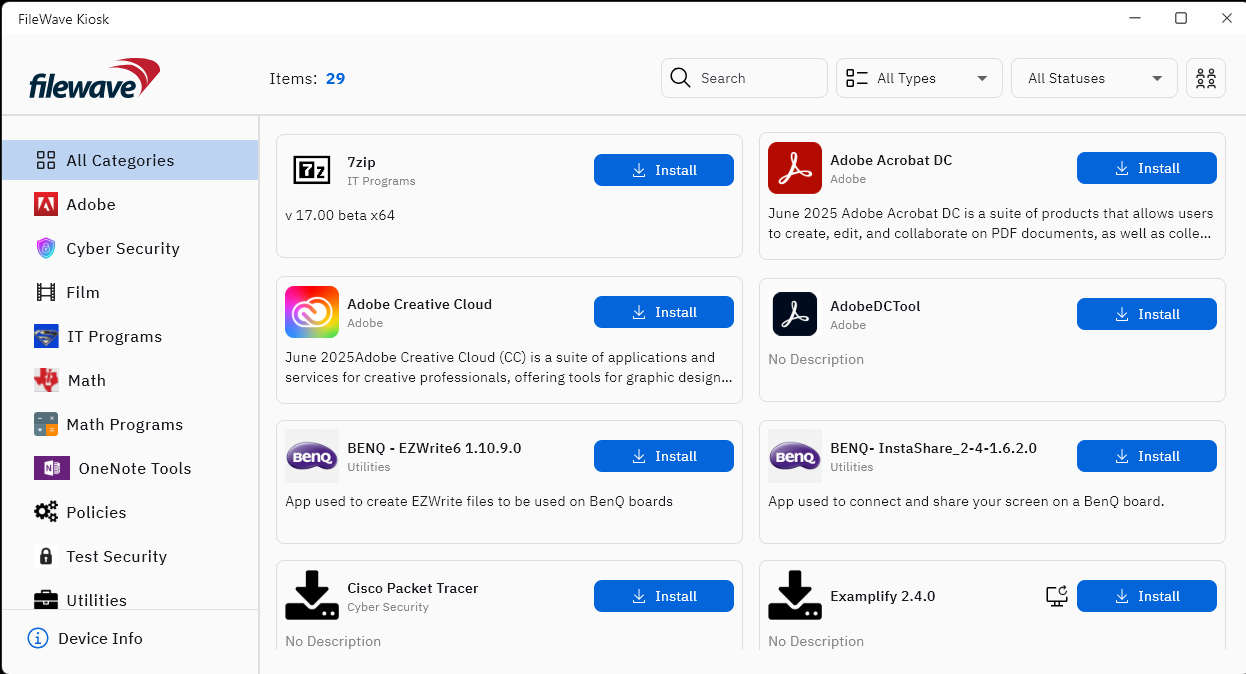
Once you find what software you need click on the install button
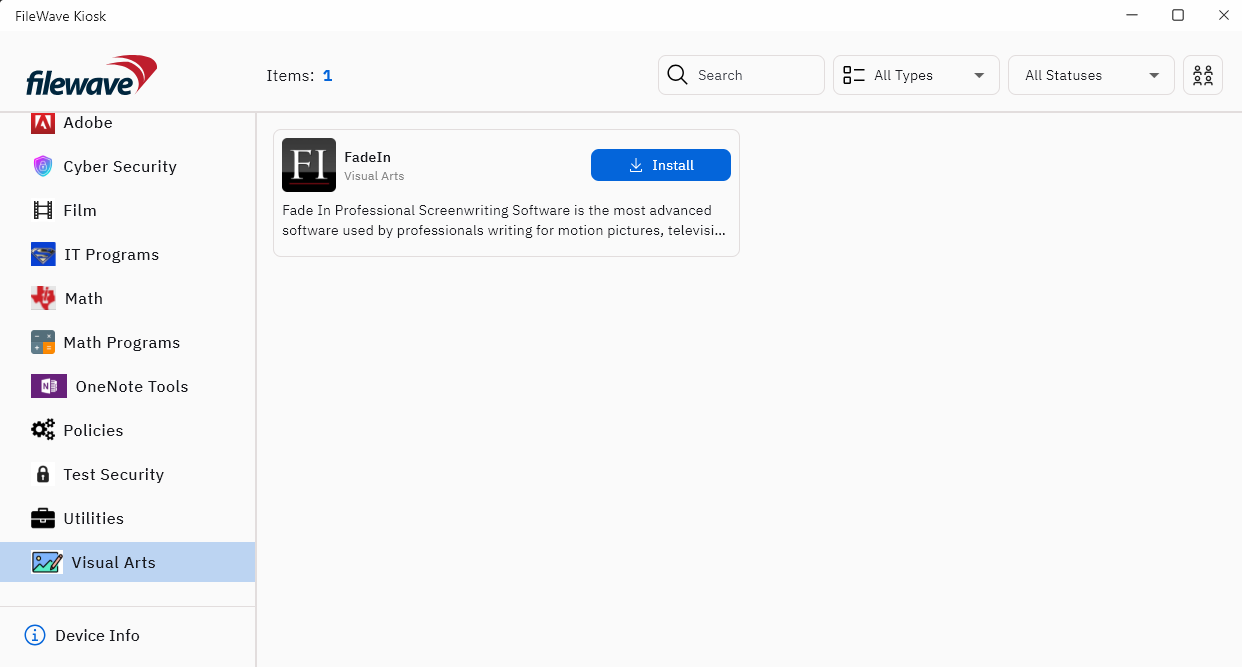
The software will then install for you. Give it a few minutes to download and install, you should then find the software on your device to use.
**Important** If for some reason you do not see the Filewave icon please visit the Tech Center!

